

Page flow
Explore ALUGLASS projects through imagery, cases and solution logic.
Start with the visual archive, then move into cases: it becomes easier to understand which system fits your project by function, load and appearance.
Visual archive
Quickly read the atmosphere, object type and execution character through albums and photography.
Curated cases
Move from visual impression to structured scenarios with system, configuration and result.
Solution logic
Understand why each case is strong: brief, configuration and real-world performance.
Visual archive
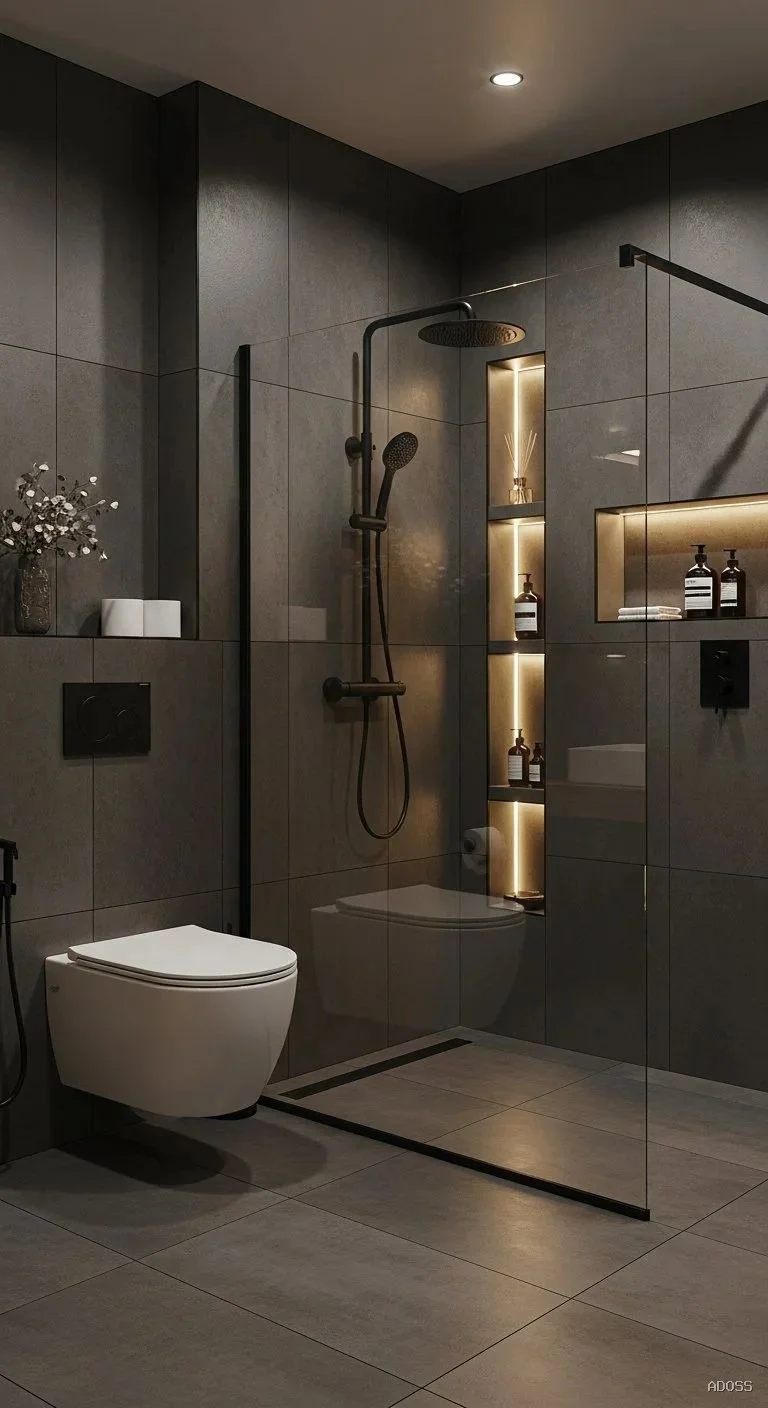
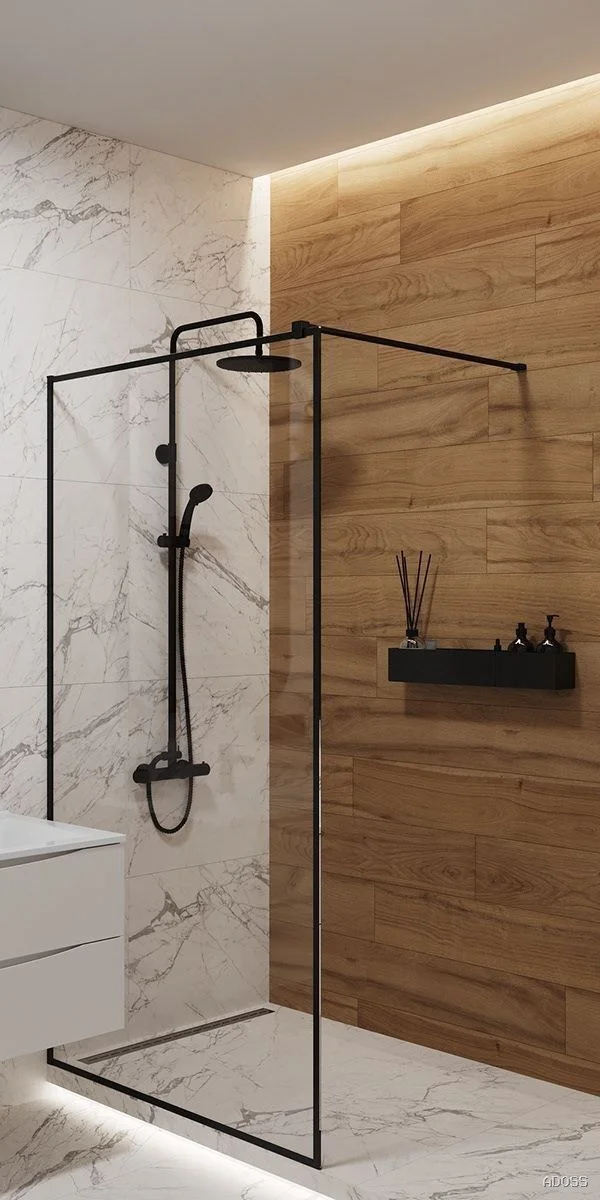
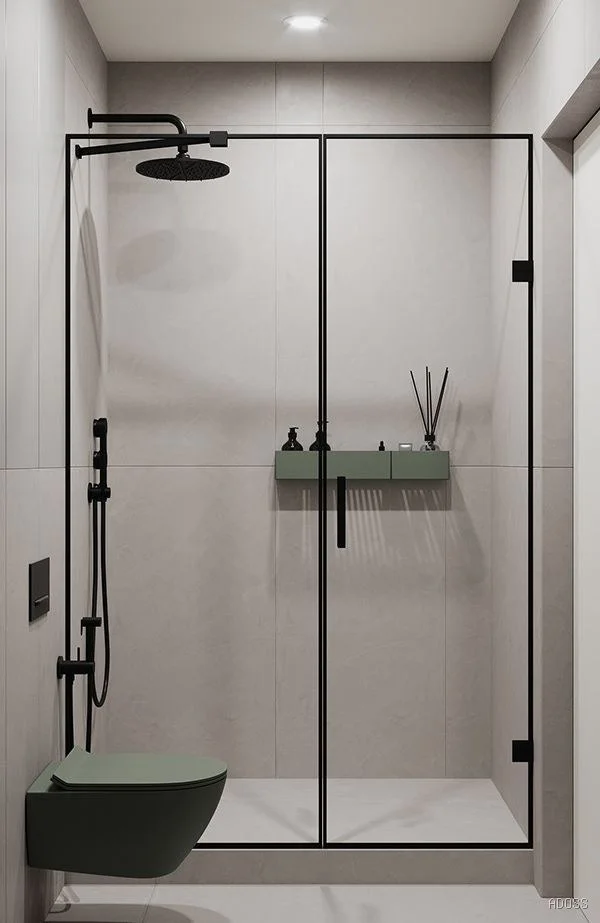
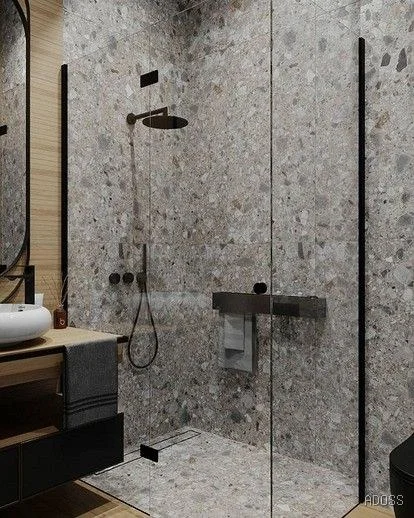
Start with the visual archive to quickly understand object type, atmosphere and execution character.
This opening block gives a broad overview across albums and photography, so visitors can grasp the range of solutions, details and spatial scenarios before moving into the curated cases.
Viewer
Browse media by album
Filter by collection and open media in fullscreen. This keeps the archive useful and avoids turning it into a noisy feed.
After the archive
Once the visual archive helps narrow down the right type of space, the next section moves into cases where the project logic becomes visible.
Selected works
A portfolio built as a casebook by space type and use scenario
The cases help compare real scenarios: one lead project sets the execution level, while supporting works show different functions, scales and operating demands.
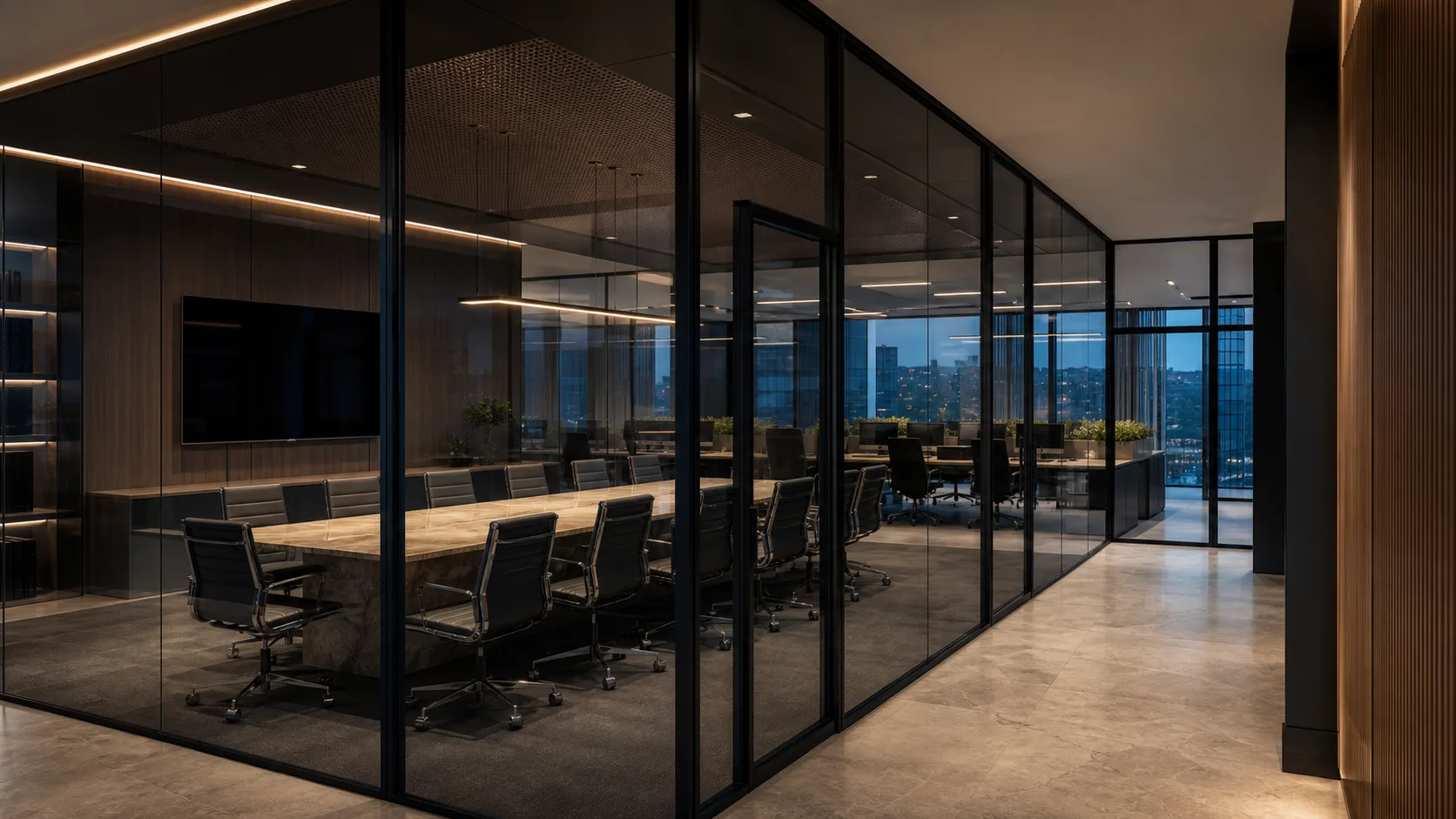
Office space
01
Lead case
Glass office partitions for a corporate headquarters
ALT111 offices and meeting rooms are paired with ALT115 transparent fronts, keeping the workplace bright, structured and client-ready.
System
ALT111 for offices and meeting rooms
Profile
ALT115 transparent fronts
Attribute
open-space, reception, meeting rooms
After the cases
The cases show the range. The next block explains, in a concise way, how we read a strong architectural solution.
What the portfolio proves
The page should communicate rigour and execution, not decoration alone.
A strong case explains why the solution was chosen, how it was configured and what role it plays once installed.
Brief
Reading the project correctly
Each project starts with understanding function, flow and the representational level expected from the space.
System
Choosing for real use
Profile, glass, HPL, fire safety and acoustics are selected according to real performance requirements.
Result
Showing the outcome in context
The portfolio should demonstrate how the solution works inside the project, not how it looks in isolation.
Next step
Need a similar scenario for your project?
We can quickly outline a working configuration around your layout, timeline, budget and required level of finish.